
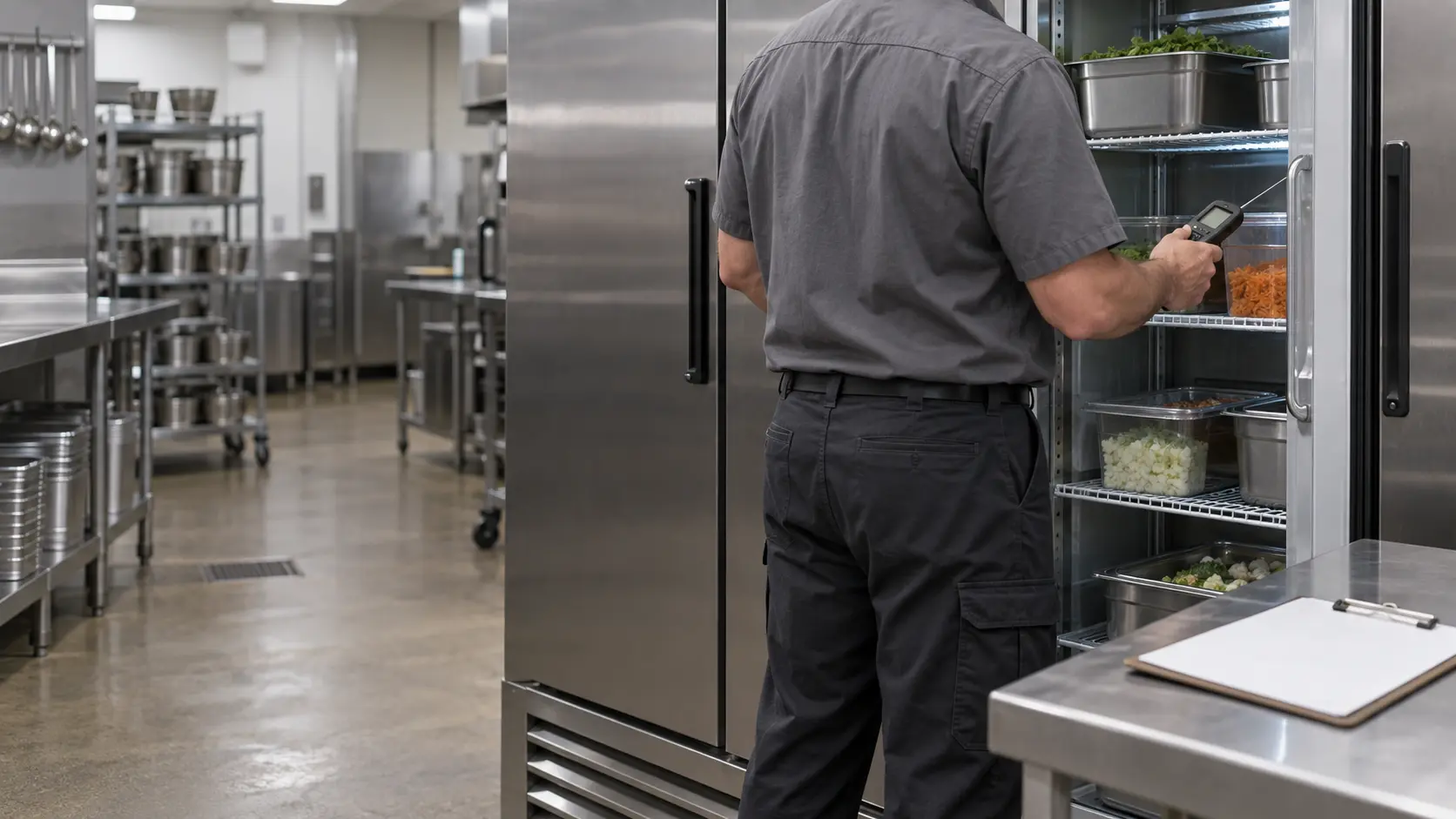
Breakers, disconnects and the plug
Start at the electrical panel. Commercial units usually sit on dedicated circuits, and one tripped breaker can silence a reach-in, a prep table or one leg of a three-phase fryer with no other sign anywhere in the kitchen. Hobart's first two answers for a dish machine with a dark display are a machine switched off and a blown fuse or tripped breaker. Reset a breaker once; if it trips again, leave it off and book, because a breaker that trips twice is guarding against something real.
Look for a disconnect switch too, a gray box with a lever mounted on the wall beside a combi, behind a dish machine or next to an outdoor condensing unit. Crews flip them during deep cleaning and forget them. On plug-in reach-ins and countertop equipment, make sure the plug is fully seated and that nothing heavy has crushed the cord against the wall.
What stays closed
The breaker handle and the disconnect lever are yours to use. The covers behind them are not: the lower panel of a fryer, the side panel of a combi, the control box on a condensing unit and the panel beside it carry live terminals even when a display has gone dark.
Source: Hobart — LXn / LXGn Series instructions manual (F41243) — No machine operation with no display: machine off, blown fuse or tripped circuit breaker
Gas valves along the cooking line
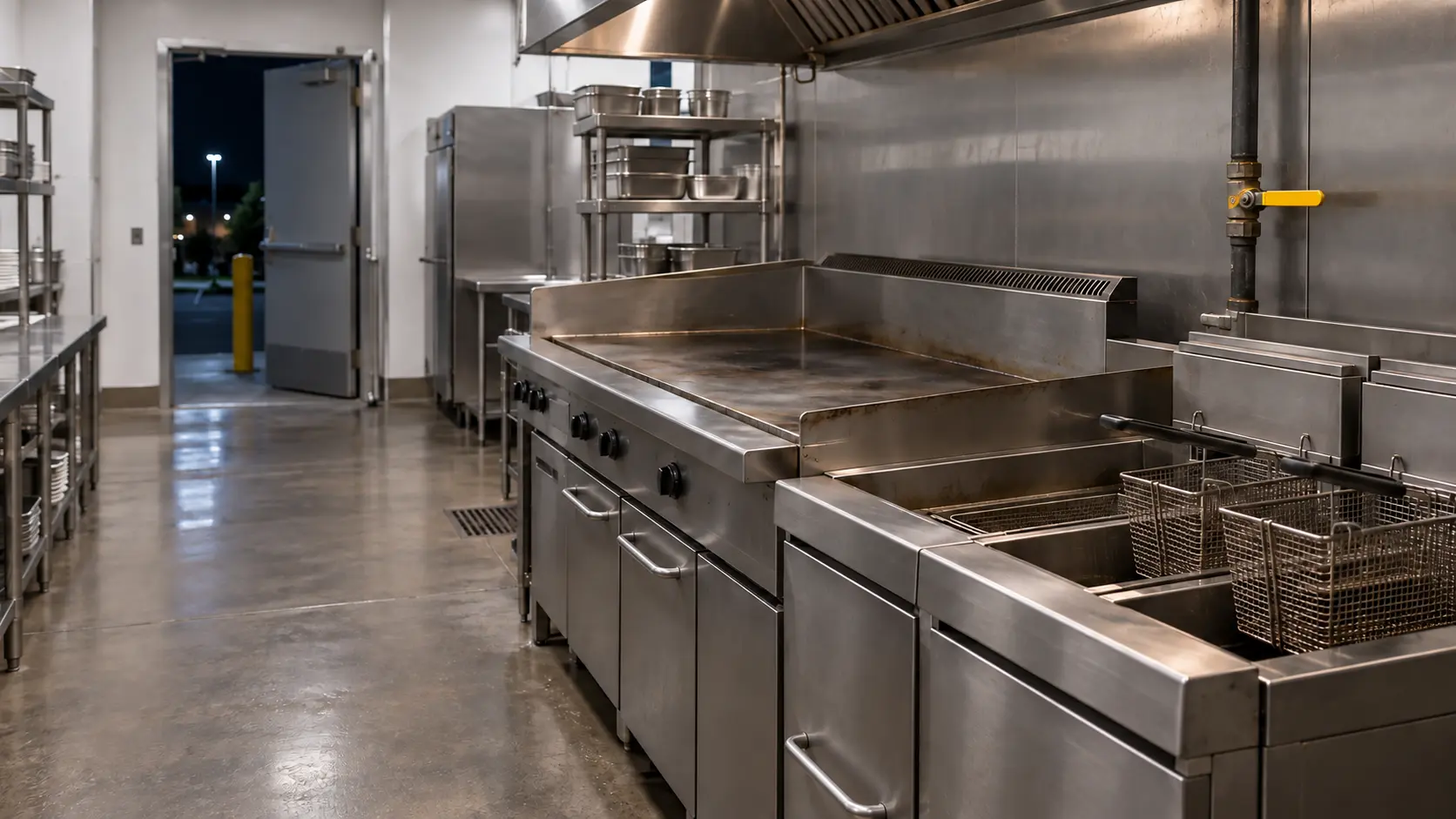
Each gas appliance on a line normally has its own manual shutoff ahead of its connector, and many buildings add an emergency shutoff tied to the hood fire suppression system. After a hood cleaning, a suppression inspection or a drill, one of those may still be closed. A handle across the pipe is closed and a handle along the pipe is open. Look, do not force it, and never loosen a fitting or unplug a quick disconnect to test the flow.
Read the data plate while you are down there. Frymaster and Pitco stamp the gas type on a plate inside the fryer door, and a fryer built for natural gas will not run properly on propane, or the other way round. If a unit was moved, swapped or borrowed from another location recently, compare that plate with the building's gas before anything else.
If anyone smells gas
The checks stop there. Close the appliance valve or the main if you can reach it without lingering, light nothing, touch no switches, prop the doors open, get everyone outside and call the gas utility or 911 from outside. Nothing else in this guide resumes until the utility says the building is safe.
Source: Frymaster — OCF30 / FPGL30 gas fryer installation, operation and maintenance manual (8196687) — The gas type is stamped on the data plate inside the fryer door; clean the filter pan and filtration system daily; Pitco — SG series gas fryer installation and operation manual (L20-206) — The fuel type is stamped on the data plate on the inside of the door; never supply a gas not shown on it
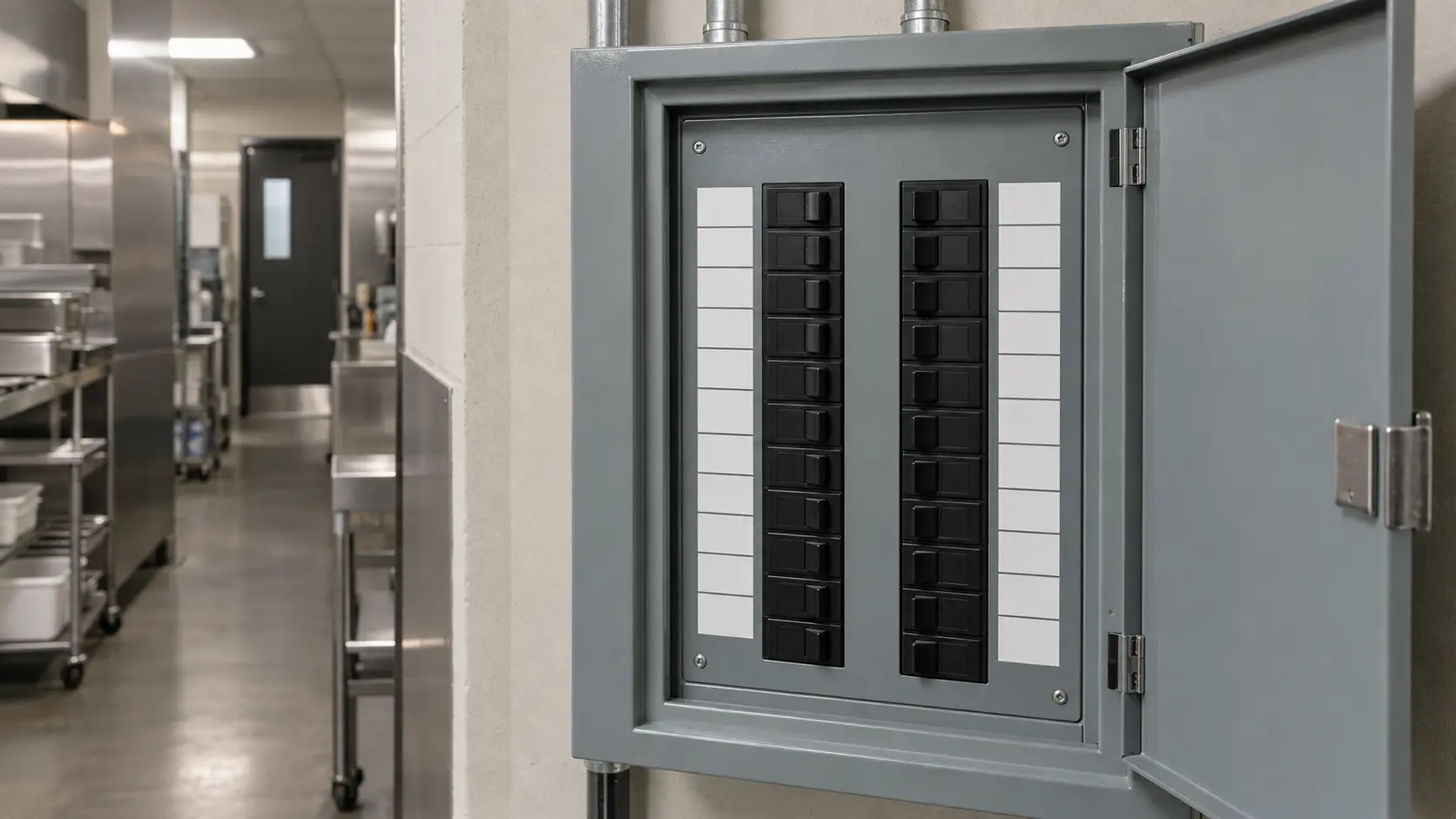
Water supply, drains and air around each unit
Dish machines, combis, steamers and kettles with an auto-fill need an open supply valve and a clear drain. A quarter-turn valve closed under the dish table or a kinked fill hose gives a machine that will not fill; a floor drain choked with food waste gives one that will not empty. Clear what you can reach from the floor and note what you cannot.
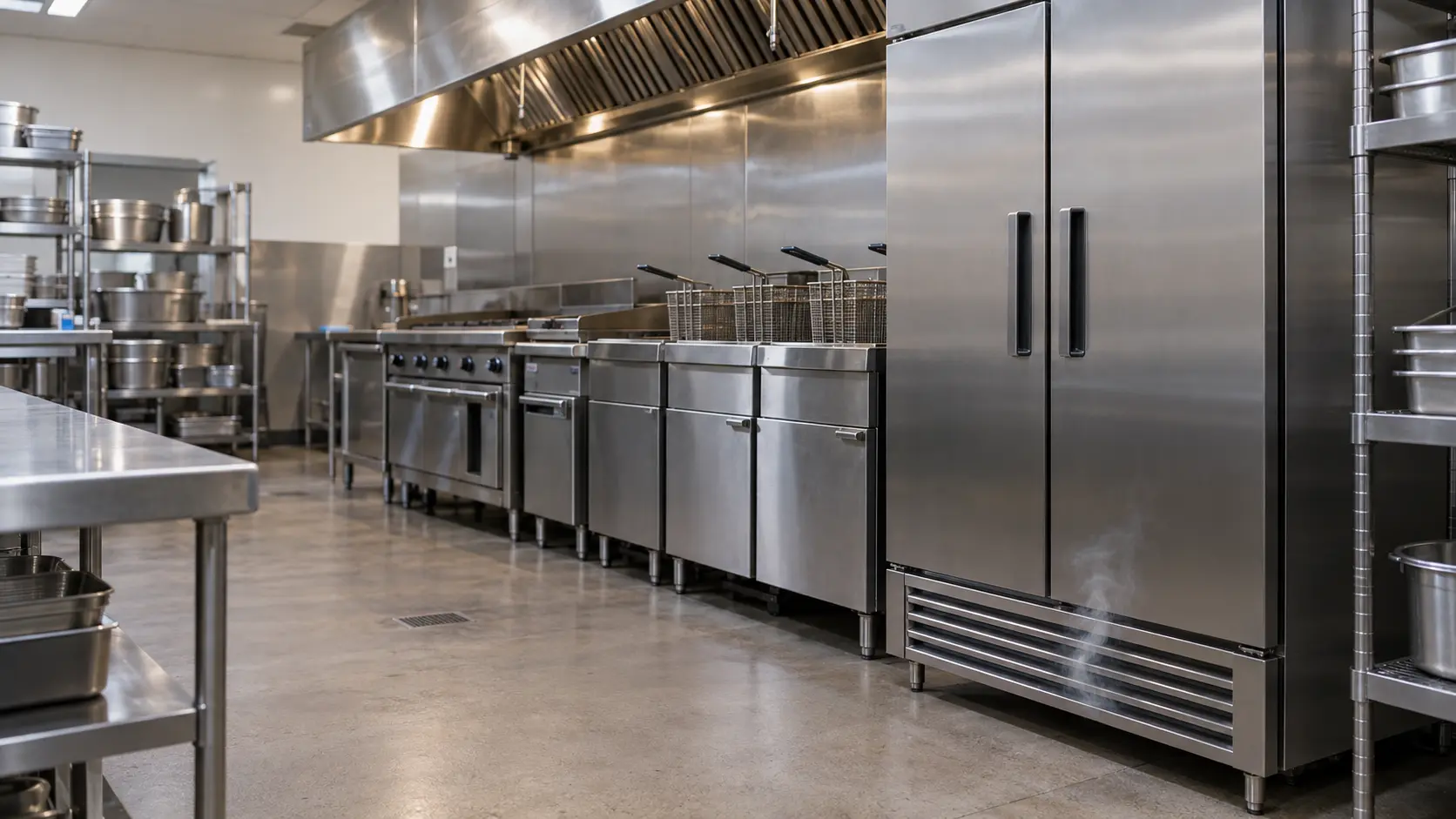
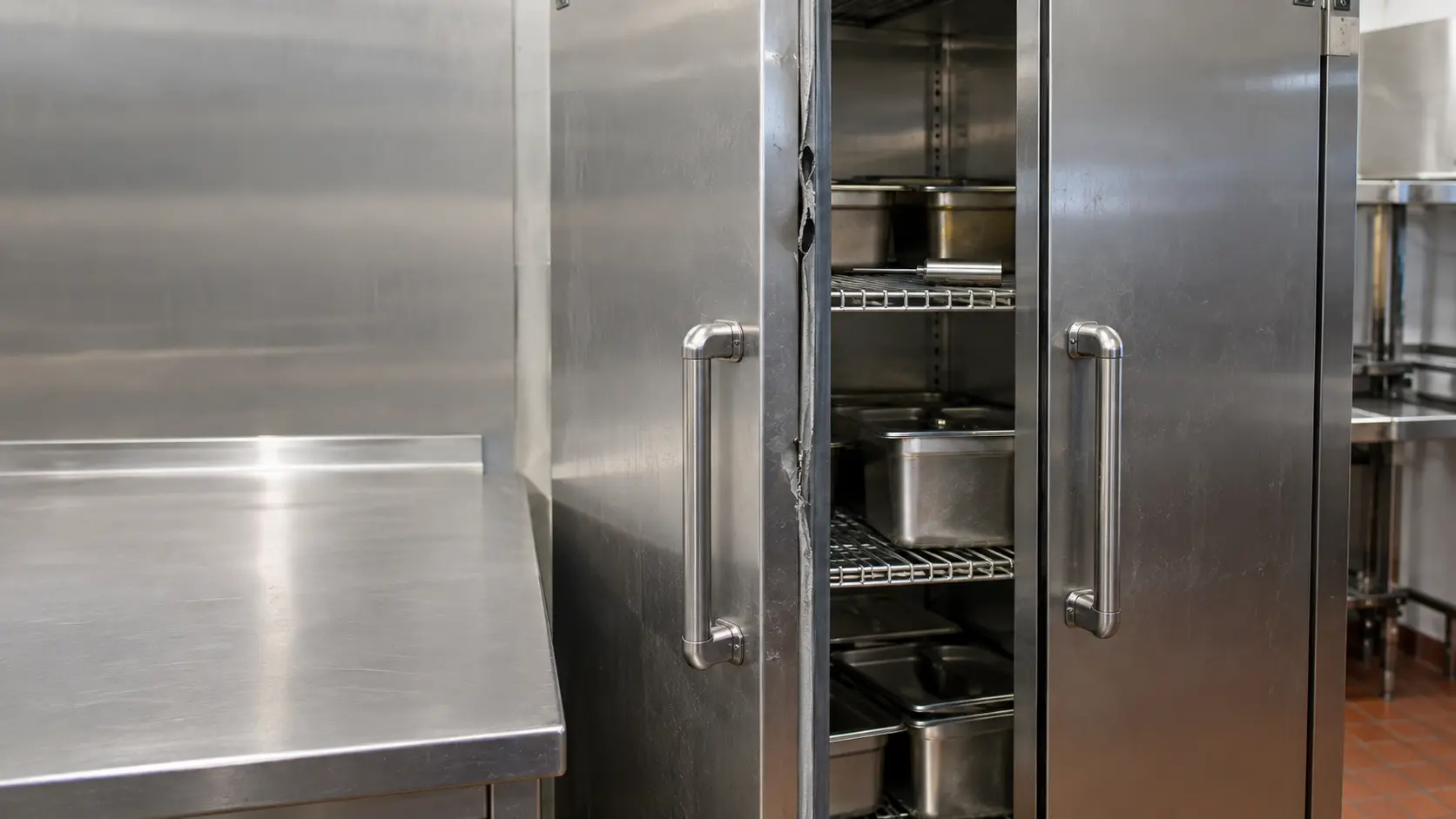
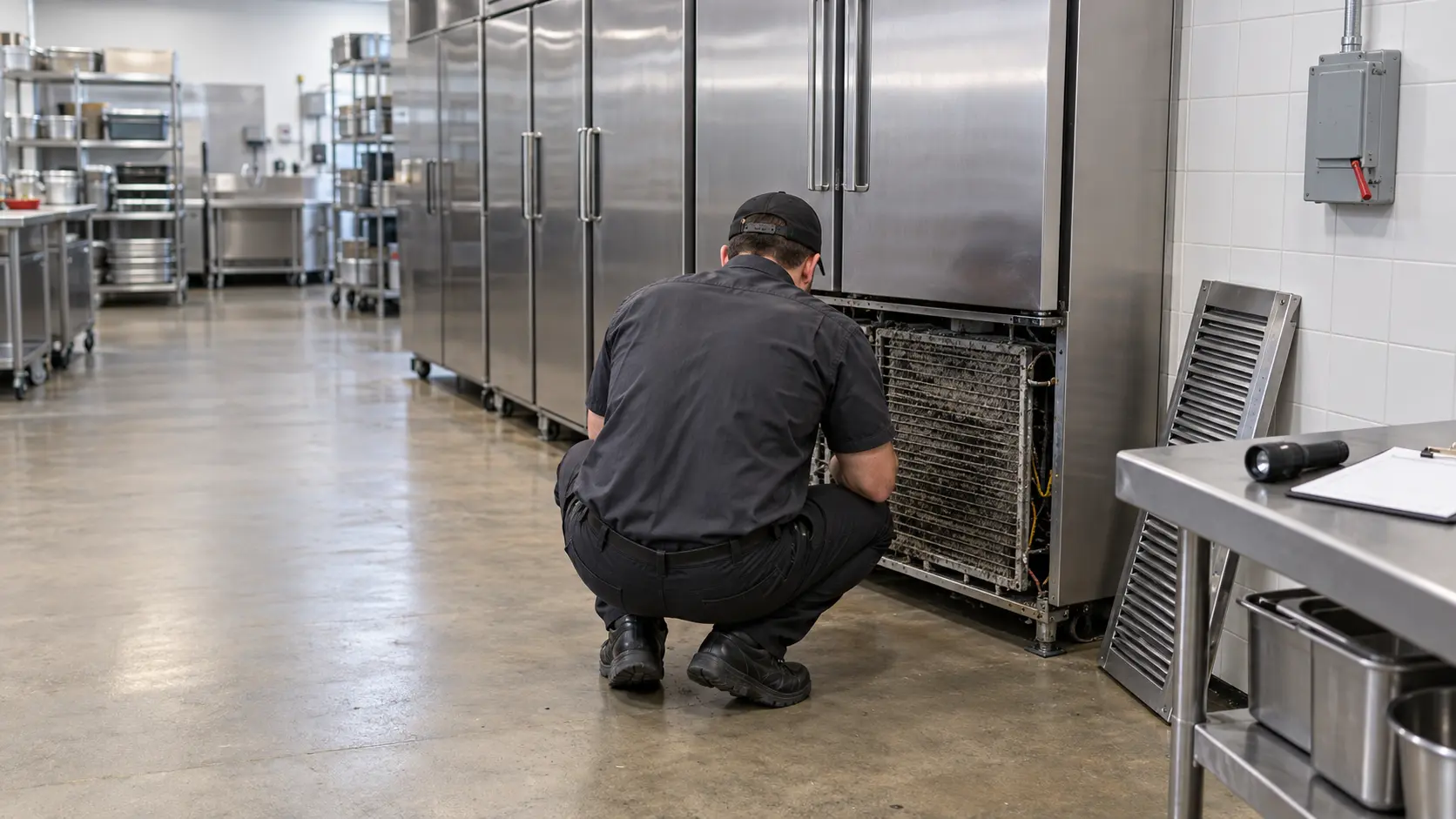
Cold units need air. Look at the grille on every reach-in and prep table: gray felt across the fins, cases stacked against the louver or a cabinet shoved flush to the tile will all make a box run warm. Traulsen and Victory both tell owners to disconnect power before cleaning the condenser, and Victory's method is a brush and a vacuum drawn up and down the fins so they do not bend. With the unit off, that is a manager's job.
Screens and strainers by equipment type
- Dish machine: the strainer pan and basket in the wash tank
- Fryer: the crumb screen and filter pan, cleaned daily on the maker's schedule
- Combi oven or steamer: the drain and any water filter cartridge
- Laundry tumbler: the lint screen and the compartment behind it
- Reach-in and prep table: the front grille and the coil face behind it
Source: Traulsen — R-Series owner's manual (owner's manuals page) — Disconnect electrical power before cleaning the condenser; Victory — RS/RSA reach-in installation and operation manual — Unplug the unit; brush and vacuum the coil, brushing up and down to avoid damaging the fins
What the screen and the log already tell you
Write down the exact message on the controller, the time it appeared and what the crew was doing when it did. Rational tells owners to have the unit's serial number and installed software version ready for any error message, and prints both in the message itself. A photo of the screen beats anyone's memory of it.
Pull the temperature log for any cold unit. A reach-in that crept from 36°F to 40°F over a week is a different call from one that jumped overnight, and the technician can plan parts from that curve. For hot equipment, note the setpoint and what a separate thermometer read.
- Photo of the data plate and of the message on the screen
- Time the problem started and how often it has happened since
- What has already been checked, reset or cleaned
- Whether the unit is still usable, partly usable or shut down
Source: Rational — iCombi Pro original instructions for use (US) — Have the serial number and installed software version ready for any error message; both are displayed in the message