
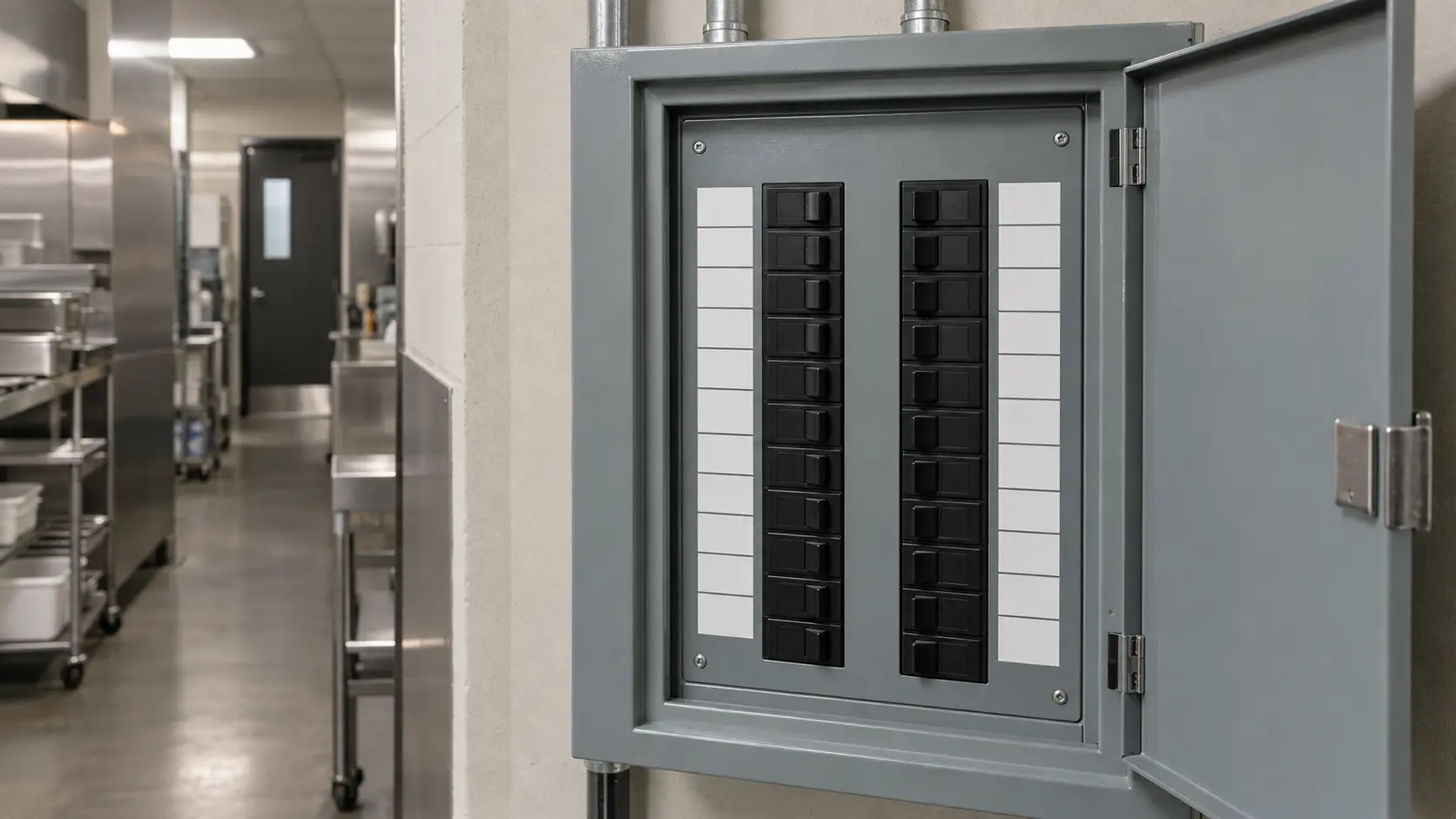

Safe checks with the unit off
Troubleshooting
guides.
The checks an owner or manager can make safely, from the breaker, the gas valve, the water supply and the drain to door gaskets, coils, strainers, lint screens and the data plate, and where to stop and book.
Mon–Sat, 8am–8pm
- Three guides
- Read before you book
- Says where to stop
Book a visit
Three short steps, about a minute.
or call (844) 571-4566
Loading appointment form…
The appointment form couldn’t load. Please try again.
Troubleshooting,
guide by guide.
This section is for the manager standing in front of a unit that has stopped, slowed or started beeping, deciding whether to book now or after close. The guides cover the checks that need no tools and carry no risk: breakers and disconnects, the valve handle at a gas appliance, water supply and drains, grilles, strainers and screens, the message on the controller and the plate that identifies the unit.
All 18 guides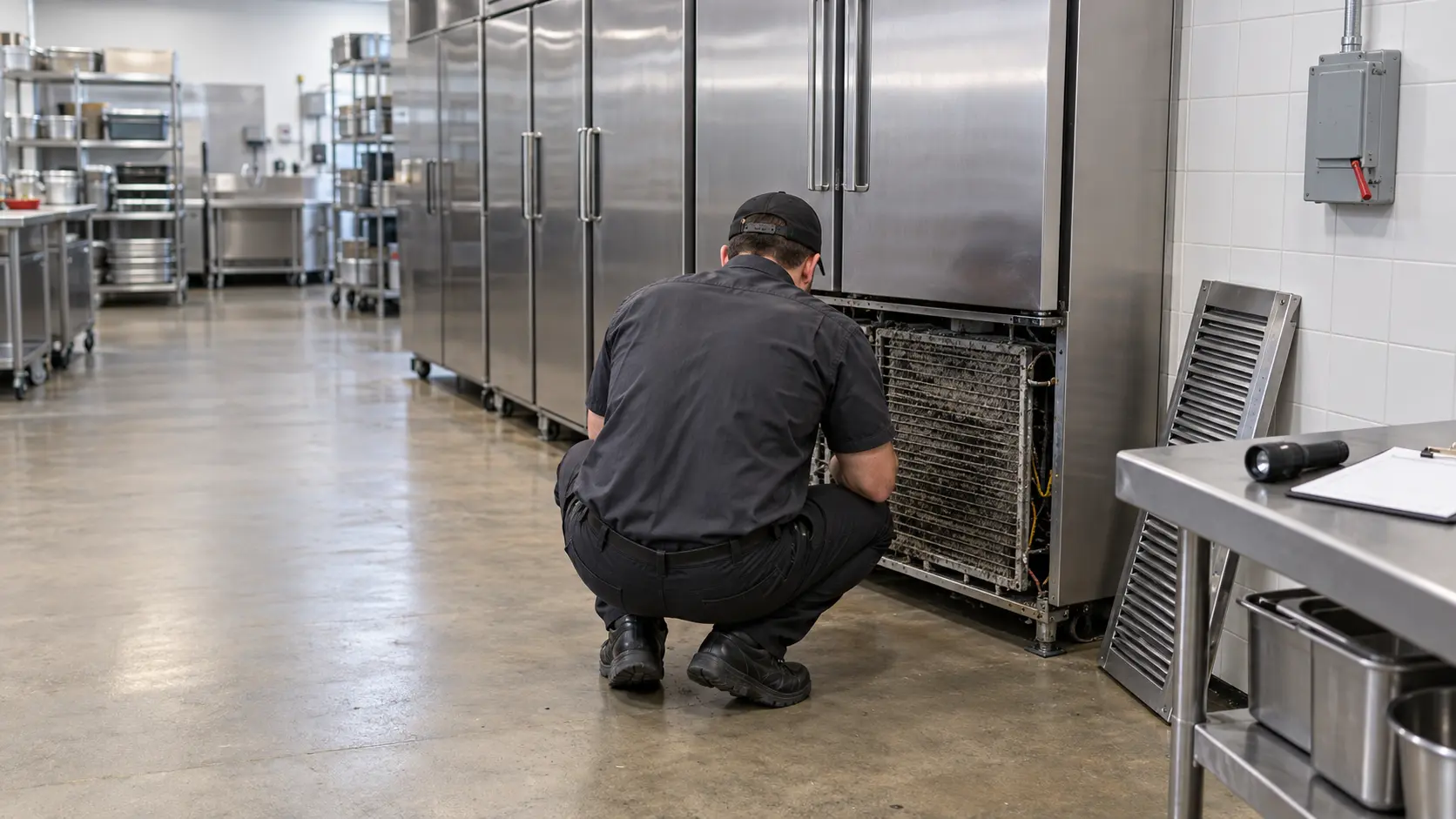
Safe checks with the unit off.
They apply across the four families we look after: cold rooms and cabinets, cooking equipment, warewashing and laundry. The same observation means different things on each, so a dark display on a reach-in points one way and on a dish machine another, and the guides say where the families differ.
Every check is ordered by cost and safety, the free ones first, and each guide shows what to write down as you go. A clear record of what was seen, reset and cleaned is worth more to the technician than a panel that has already been taken off, and it often turns a two-trip repair into one.
Each guide also marks the line. Gas fittings and quick disconnects, refrigerant lines, panels over live wiring, the inside of a fryer vat and the drum of a laundry machine are outside what an owner or crew member should touch; once a check would call for a tool, a removed cover or a disconnected line, it is time to book.
Not sure where to start?The short answerCommercial appliance checks a manager can run before the service call
Commercial equipment troubleshooting at manager level covers the breaker and disconnect, the gas valve at the unit, the water supply and drain, door gaskets, condenser grilles, strainers, crumb and lint screens, and the message on the controller.
The short answerWhat controller alarms on commercial equipment are asking for: keep going, clean or shut down
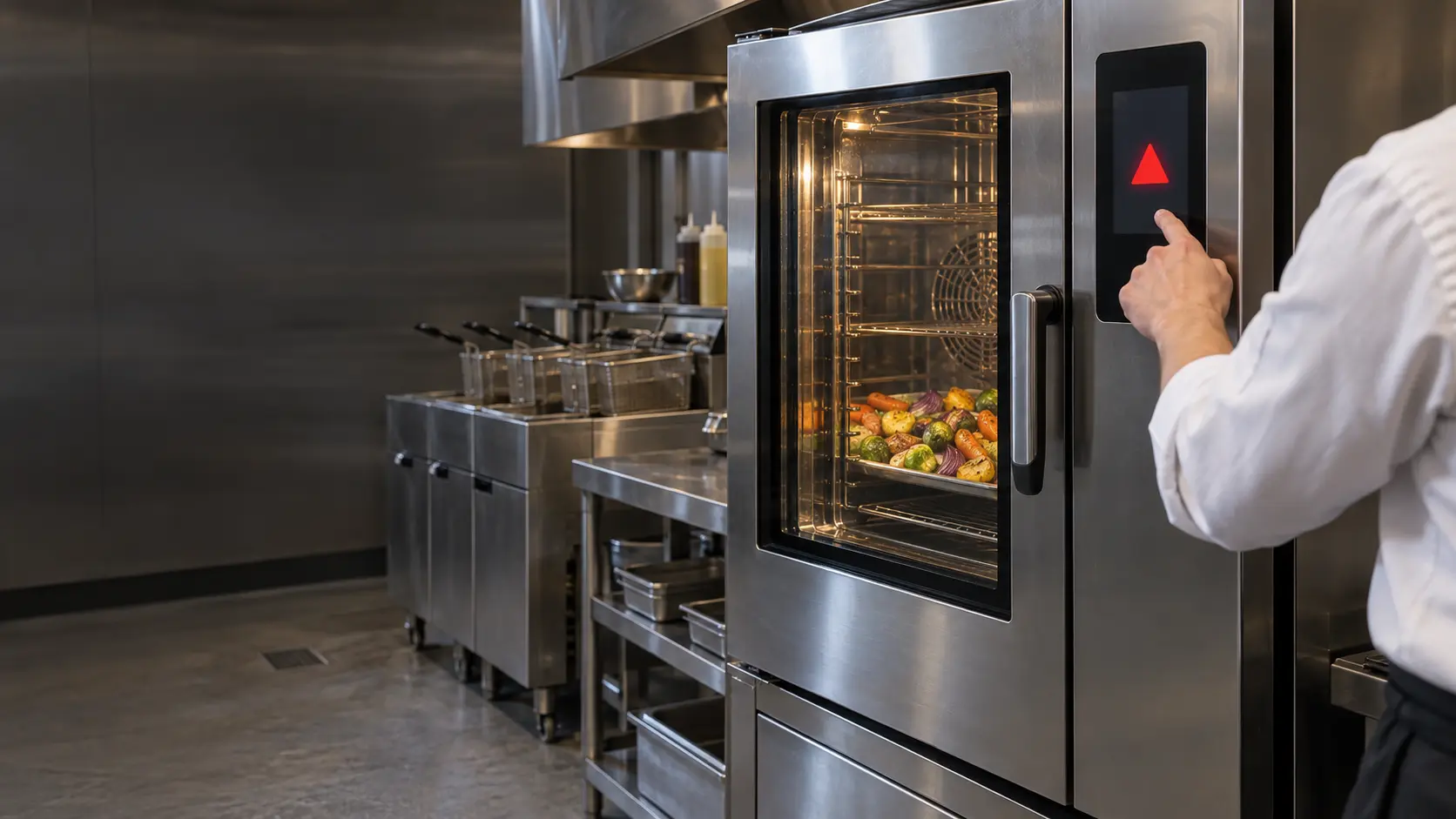
Commercial kitchen equipment alarms fall into three groups: routine prompts such as filtering oil, deliming or refilling a chemical drum; temperature and door warnings that call for a check; and protective stops for probes, high-limits, ignition or water supply.
The short answerWhere the data plate hides on restaurant equipment: fryer doors, cabinet corners and the screen
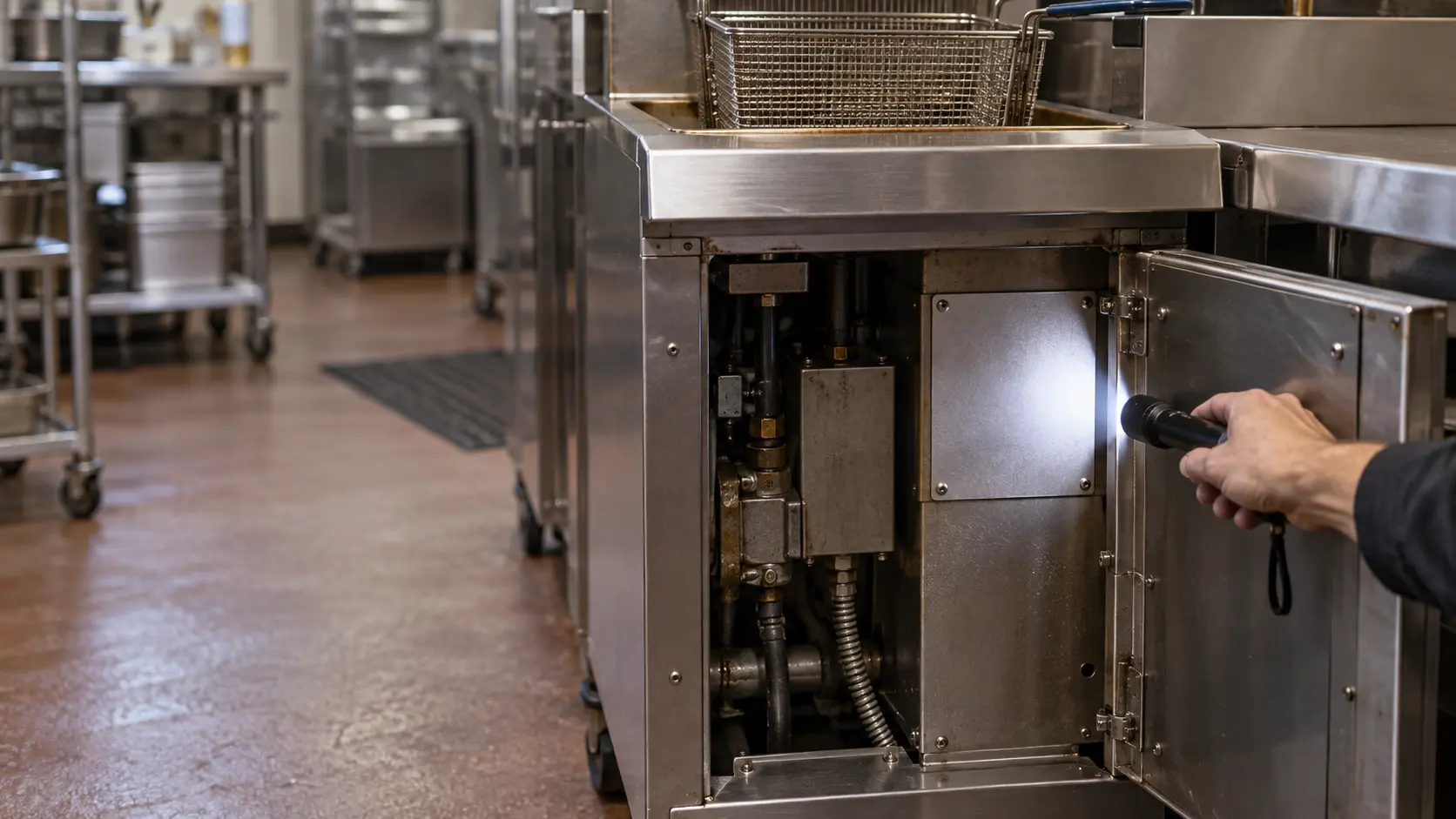
A commercial equipment data plate lists the model and serial number, the electrical supply, and the fuel on gas-fired units.
When reading
is not enough.
If the checks in these guides did not settle it, the visit picks up from there, stop by stop.
What repairs cost- 01Safety and supply before anything else
- 02The cause, and what it costs
- 03Parts that ride along
- 04Proved under load before we leave
The problems
these answer.
Each has a page of its own, with the causes in the order worth checking.
All 17 problems
Commercial Appliance Error Code on a Combi, Fryer, Dish Machine or Laundry Display
8 causes, cheapest first
Restaurant Equipment Burning Smell: Scorched Oil, Hot Wiring or Lint
6 causes, cheapest first
Commercial Kitchen Gas Smell Along the Cooking Line: Clear the Room First
6 causes, cheapest first
Reach-In Cooler Not Holding Temperature Through a Shift
6 causes, cheapest first

Questions about
troubleshooting.
Which of these guides should come first?
Does the equipment have to be off for these checks?
Will a manager's checks affect the maker's warranty?
What if a check finds the cause?
The other
sections.
Split by what you are trying to find out rather than by which part of the appliance it concerns.
All guides
Common problems

Maintenance and prevention
Gas, fire and food safety
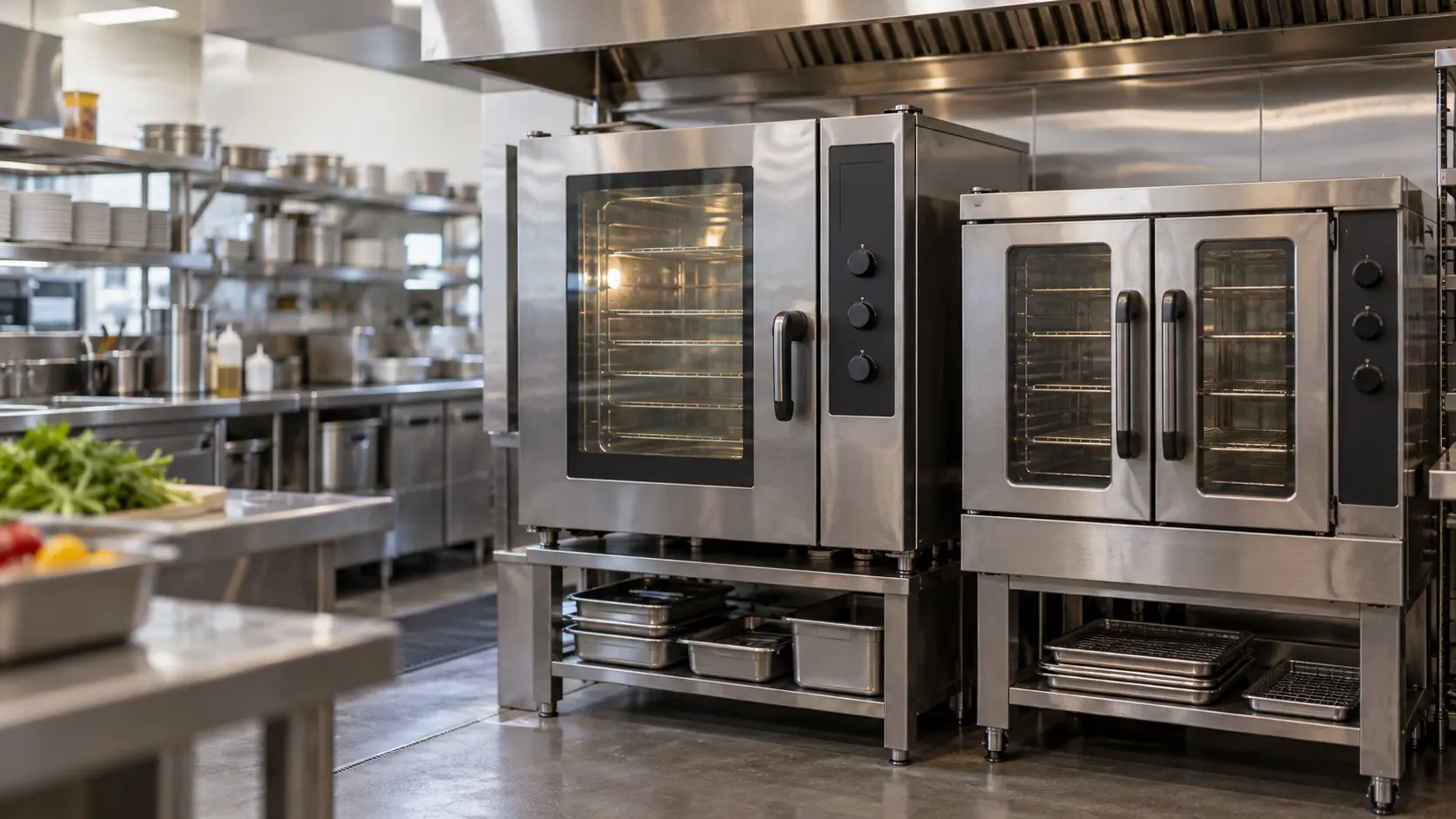
Choosing and comparing
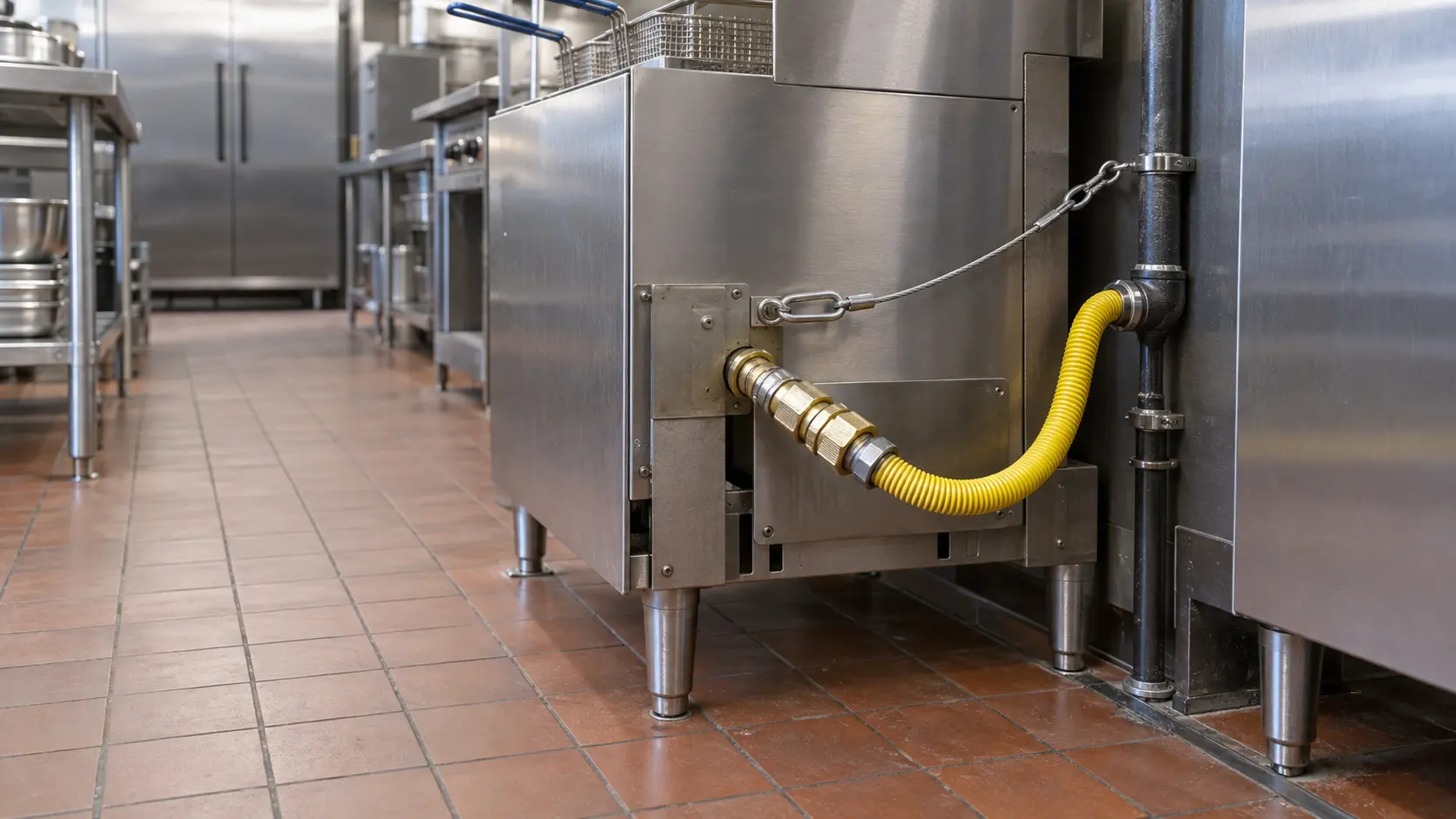
Installation and setup
Start from your question
The four questions most visits start with, each with the guide that answers it.
18 guidesWhere to start Where to startBack to your everyday
Let’s get your commercial appliance working again.
Three short steps online, or one call. Tell us what you are seeing and pick a window that works.