


Hatco Error F69: the induction control has locked up
Hatco lists Error F69 together with a control display that stops responding, and traces both to a software problem.
Mon–Sat, 8am–8pm
- Controls and power
- Commercial controls and board repair
- Source: Hatco
Book a visit
Three short steps, about a minute.
or call (844) 571-4566
Loading appointment form…
The appointment form couldn’t load. Please try again.
What Error F69
actually means.
Hatco lists Error F69 together with a control display that stops responding, and traces both to a software problem. The fix it gives is the Resetting the Software procedure in the maintenance section: hold two named buttons together for 10 seconds until the unit restarts. It also mentions a firmware update with USB when a reset is not enough.
Hatco commercial appliance display · also shown as Error F69
What to do when Error F69 shows on the commercial applianceKind of codeControls and power
The controller itself is reporting trouble, or the supply behind it is: a display with dead segments, a keypad that stopped responding after steam or degreaser got behind it, relays that stick, stored recipes or cycles that vanished overnight, a blown control fuse, or one leg of a three-phase feed missing so half the heat or the pump is gone. A full power cycle at the breaker, done as the manual describes, clears a passing glitch; a code that returns, a scorched smell or any sign of moisture behind the panel means the breaker stays off, and that is a visit.
Usually leads toCommercial controls and board repair
Controllers, touch panels, relays, contactors and interlocks tested, and replaced only when the evidence says so.
Shows up asCommercial Appliance Error Code on a Combi, Fryer, Dish Machine or Laundry Display
A commercial appliance error code appears as letters or numbers on a combi, fryer, reach-in controller, dish machine or laundry machine display, or as a flashing light or an alarm tone.
MakeHatco
Hatco equipment is often checked in the gap between breakfast and lunch, when the station it serves can do without it for a short while.
SourceHatco Rapide Cuisine IRNG P-type induction installation and operating manual
Rapide Cuisine IRNG P-type induction units (2016 manual).
Before you book,
in this order.
Each step comes from Hatco's own guidance for Error F69 on its commercial appliances. Follow it to the end: the last card says whether this is a visit.
Take pans off the unit.
Follow the Resetting the Software procedure in the manual: hold the two buttons it names at the same time for 10 seconds until the Welcome screen appears.
If F69 returns, update the firmware as the manual describes or book a visit.
Still there?
It usually turns into commercial controls and board repair. Book with the code and the model number.
What not to do
Error F69 is not a pan problem; cookware the unit rejects brings the Non-Compatible pan icon instead. Nor does F69 by itself show a failed coil or power board.
What you may
notice with it.
The commercial appliance problem Error F69 tends to arrive with. Answer these at the commercial appliance before anyone is booked.
All problems
Where Error F69 usually leads
Commercial controls and board repair.
Hatco
commercial appliances.
Hatco equipment is often checked in the gap between breakfast and lunch, when the station it serves can do without it for a short while.
Hatco commercial appliance repairMore Hatco codes
Controls and power on other makes

Commercial cold storage
Reach-in and pass-through cabinets, walk-in coolers and walk-in freezers, prep and sandwich tables, undercounter units and blast chillers that hold a kitchen's food at safe temperatures.
Commercial cooking equipment
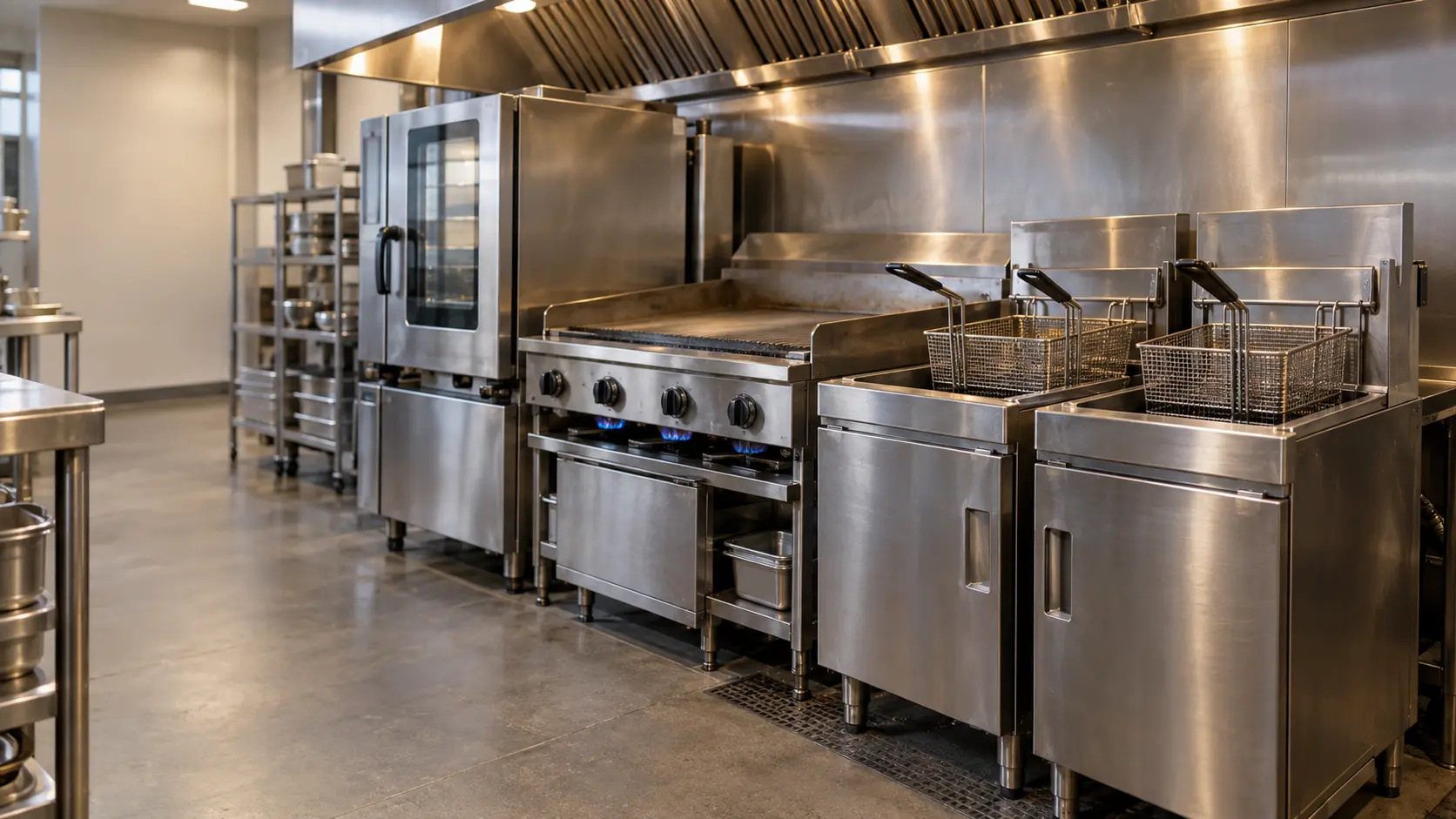
Fryers, griddles, charbroilers, restaurant ranges, convection and combi ovens, steamers, kettles, holding cabinets and toasters, on gas or electric, that make up the hot side of a kitchen line.
Commercial dish machines
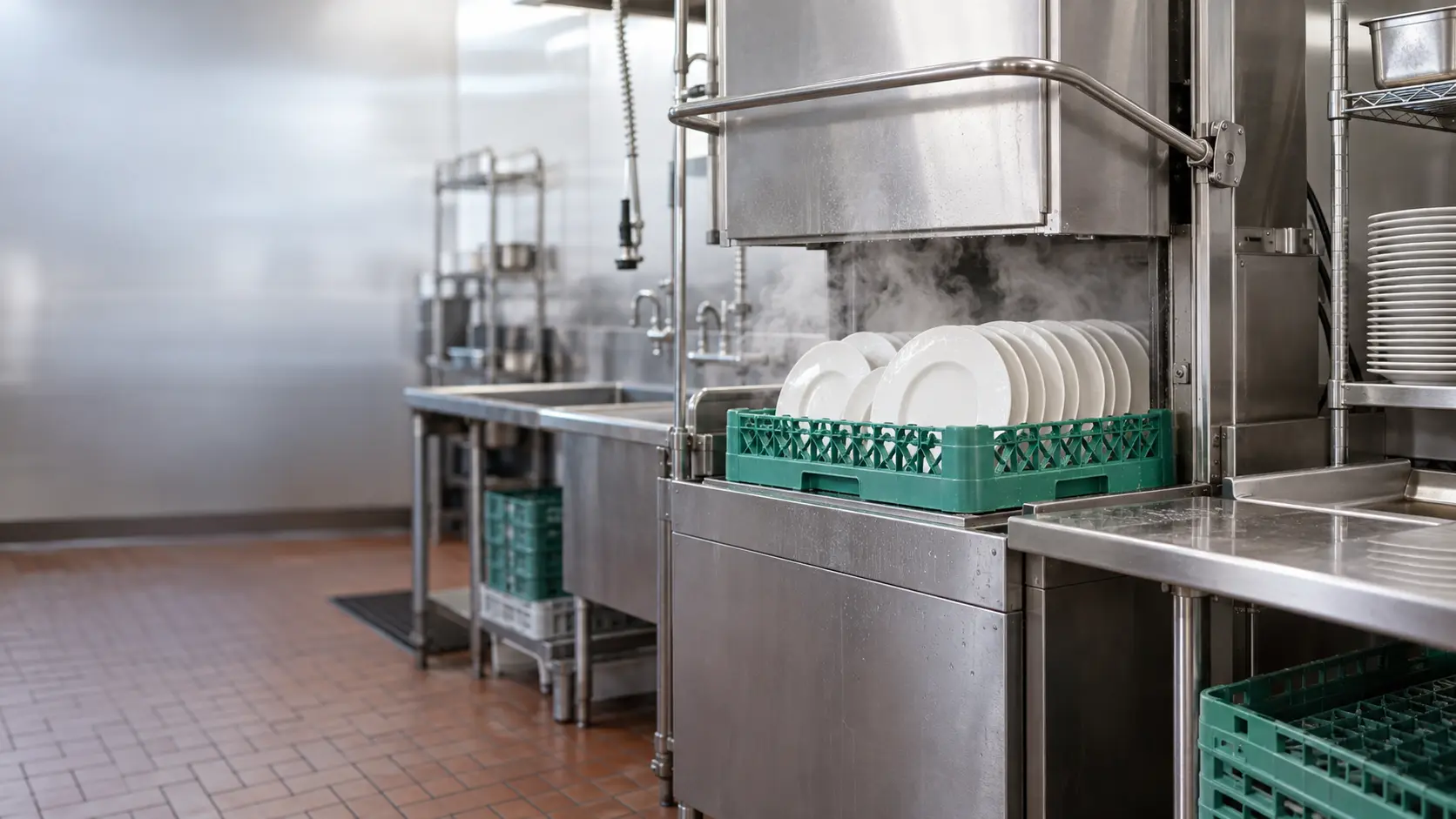
Undercounter, door-type and conveyor dish machines with their booster heaters and chemical feeds, the warewashing station that washes and sanitizes every rack before it goes back on the line.
In Hatco's own words
Control Display unresponsive or Error F69 screen appears.
Every code on this site is taken from the manufacturer's documentation, never from a forum or a parts listing. Rapide Cuisine IRNG P-type induction units (2016 manual).
Hatco Error F69 commercial appliance repair,
where we come out.
The same visit in every metro below: the code, the model number, and a diagnosis before any part is ordered.
All service areasTampa BayFL · 31 areas
Miami / South FloridaFL · 47 areas
New York MetroNY · 75 areas
HoustonTX · 36 areas
ChicagoIL · 50 areas
Los AngelesCA · 95 areas
San DiegoCA · 31 areas

Questions
about Error F69.
Can I clear Error F69 myself?
How do I reset a Hatco induction unit showing F69?
Why does my Hatco Rapide Cuisine freeze with F69?
Does F69 mean my Hatco induction unit needs a new board?
Back to your everyday
Still showing Error F69?
A booking with a code goes further when it has the code as shown, the model and serial from the data plate, and a word on whether the unit still holds temperature, heats, rinses or spins. With those three, the office can match the likely part to your unit the same day.