
Dexter TEMP SENSOR OPEN: the tumbler sensor reads open
Dexter tumblers stop with TEMP SENSOR OPEN when the probe under the basket shows no circuit.
Mon–Sat, 8am–8pm
- Sensors and probes
- Commercial controls and board repair
- Source: Dexter
Book a visit
Three short steps, about a minute.
or call (844) 571-4566
Loading appointment form…
The appointment form couldn’t load. Please try again.
What TEMP SENSOR OPEN
actually means.
Dexter tumblers stop with TEMP SENSOR OPEN when the probe under the basket shows no circuit. As with the short version, the message stays until it is cleared at the control and the machine returns to idle.
Dexter commercial appliance display · also shown as F2
What to do when TEMP SENSOR OPEN shows on the commercial applianceKind of codeSensors and probes
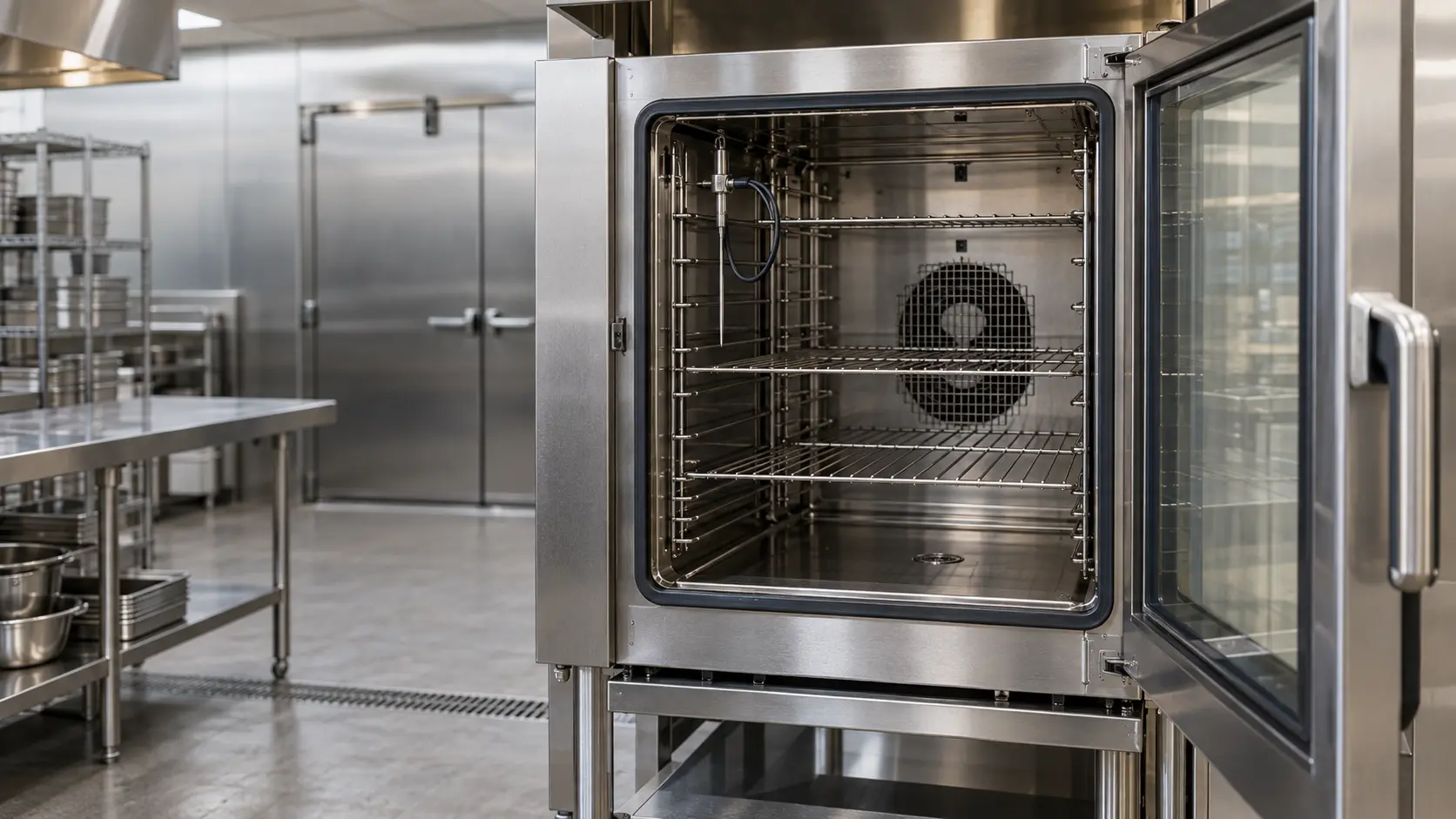
A probe is handing the controller a reading it cannot trust, or none at all: a box or coil sensor torn loose from its clip, a fryer probe coated in carbon from oil left too long between filterings, a combi core probe with a kinked cable, or a connector gone green from steam and cleaning chemicals. The unit then runs on, stops, or shuts the heat or the cooling off to protect itself. Letting it cool and restarting it as the manual describes is fair; a probe that still reads wrong sits behind a panel, and that is a visit.
Usually leads toCommercial controls and board repair
Controllers, touch panels, relays, contactors and interlocks tested, and replaced only when the evidence says so.
Shows up asCommercial Appliance Error Code on a Combi, Fryer, Dish Machine or Laundry Display
A commercial appliance error code appears as letters or numbers on a combi, fryer, reach-in controller, dish machine or laundry machine display, or as a flashing light or an alarm tone.
MakeDexter
A Dexter call in a laundromat is often set for opening time, before customers load the row and every pocket of the room is in use.
SourceDexter common tumbler troubleshooting and error code reference
Dexter vended stack tumblers covered by Dexter's tumbler troubleshooting reference; the display shows the words and, on some controls, F1 or F2.
Before you book,
in this order.
Each step comes from Dexter's own guidance for TEMP SENSOR OPEN on its commercial appliances. Follow it to the end: the last card says whether this is a visit.
Tag the pocket out of service.
Check whether the pocket was recently serviced, since a loose connector is a common result.
Book a visit to test the probe and its wiring.
Still there?
It usually turns into commercial controls and board repair. Book with the code and the model number.
What not to do
TEMP SENSOR OPEN, shown as F2 on some Dexter tumblers, is unrelated to F2 on a Dexter front-load, which is a slow fill. It does not mean the burner failed.
What you may
notice with it.
The commercial appliance problems TEMP SENSOR OPEN tends to arrive with. Answer these at the commercial appliance before anyone is booked.
All problems
Where TEMP SENSOR OPEN usually leads
Commercial controls and board repair.
Dexter
commercial appliances.
A Dexter call in a laundromat is often set for opening time, before customers load the row and every pocket of the room is in use.
Dexter commercial appliance repairMore Dexter codes
All 15 Dexter codesSensors and probes on other makes

In Dexter's own words
Open Temperature Sensor or wire
Every code on this site is taken from the manufacturer's documentation, never from a forum or a parts listing. Dexter vended stack tumblers covered by Dexter's tumbler troubleshooting reference; the display shows the words and, on some controls, F1 or F2.
Dexter TEMP SENSOR OPEN commercial appliance repair,
where we come out.
The same visit in every metro below: the code, the model number, and a diagnosis before any part is ordered.
All service areasTampa BayFL · 31 areas
Miami / South FloridaFL · 47 areas
New York MetroNY · 75 areas
HoustonTX · 36 areas
ChicagoIL · 50 areas
Los AngelesCA · 95 areas
San DiegoCA · 31 areas

Questions
about TEMP SENSOR OPEN.
Can I clear TEMP SENSOR OPEN myself?
Can a loose wire cause TEMP SENSOR OPEN on a Dexter?
Does TEMP SENSOR OPEN affect both Dexter pockets?
How do I clear TEMP SENSOR OPEN on a Dexter?
Back to your everyday
Still showing TEMP SENSOR OPEN?
A booking with a code goes further when it has the code as shown, the model and serial from the data plate, and a word on whether the unit still holds temperature, heats, rinses or spins. With those three, the office can match the likely part to your unit the same day.